
WORKBENCH / SMALL, REVERSIBLE EXPERIMENTS
A mod belongs to a game. A save belongs to you.
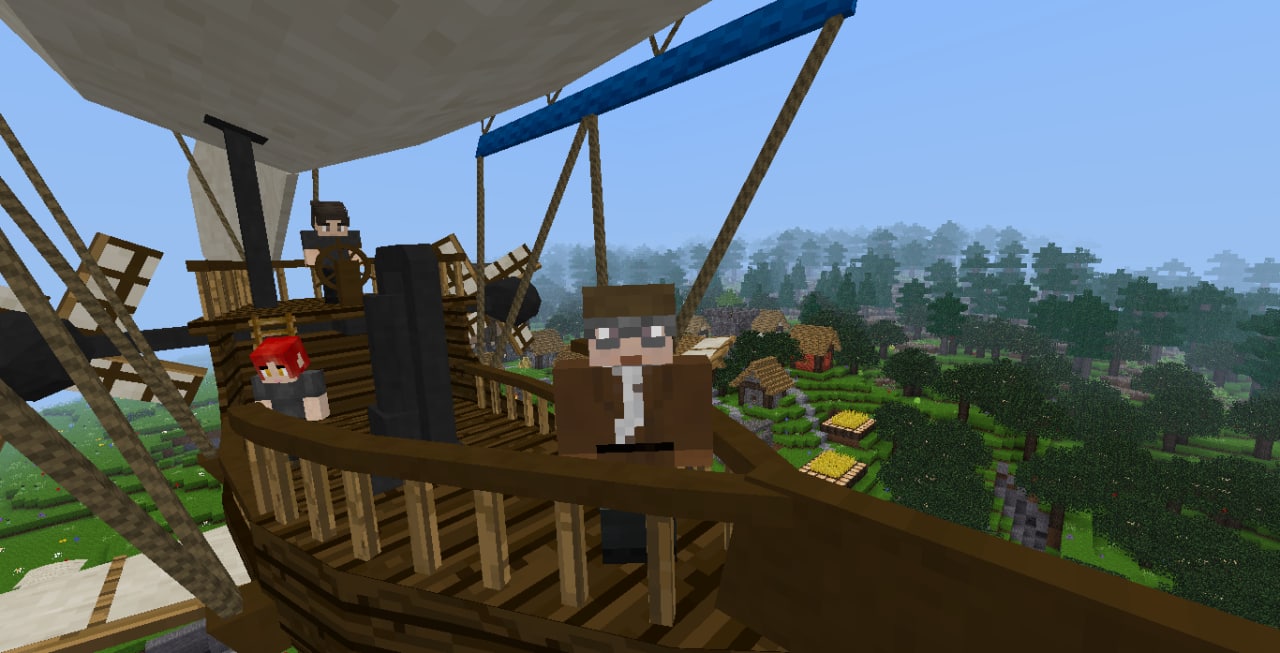
The pictured Steampunk Blimp runs as optional content in a compatible game. It is not an engine feature switched on for every Luanti player. Use that distinction whenever you browse a promising mod: check the game it targets, its dependencies and its release notes.
Add content through the in-game browser
Content → Browse online content is the normal starting point for finding packages. A mod installed on the device still needs to be enabled for the intended world. Check the world’s mod selection instead of assuming that installing a package changes every save.
| Before adding a mod | What to check |
|---|---|
| Game compatibility | The package supports the game you are actually running. |
| Dependencies | Required companion packages are available and compatible. |
| A test world | You have somewhere to try the change without risking your main build. |
| Your existing save | A separate copy exists before an update or removal. |
Keep the experiment easy to understand
Add one small set of changes, start the world and check what happened. If it is not what you expected, read the package’s notes before piling on more mods. Removing a package can affect the things it added to a world, so test on a copy instead of using your only save as a troubleshooting tool.
Keep mod security enabled. If an unfamiliar mod requests trusted execution, check what it needs before allowing access; do not grant extra permissions simply to silence an error.
Joining a server instead? Its content is handled differently →